
Pryntd for audiences
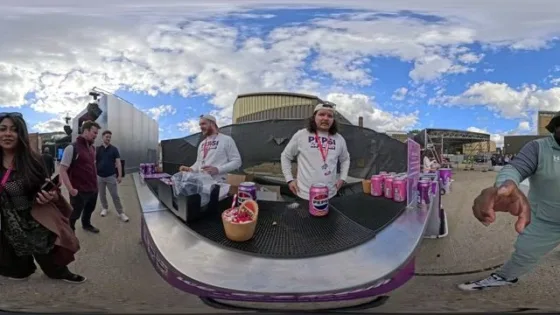
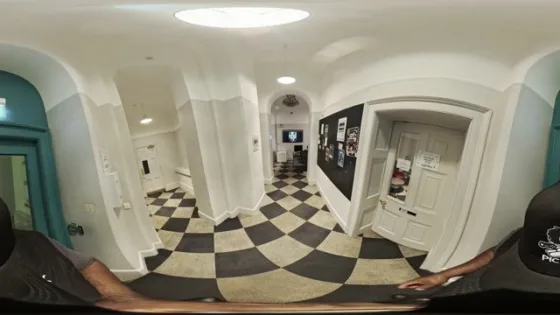
Pryntd brings physical and digital experiences together so you can take part fully, whether you are attending in person or remotely.
One experience. Adapted to you.
Enhance your experience →
The problem
Physical spaces can be difficult to navigate.
Digital experiences are often flat and passive.
Accessibility support is inconsistent.
Hybrid experiences feel disconnected.
Planning and attending events can be complex.
People miss out, participation is limited, events feel fragmented, and disabled audiences are too often excluded.
The system shift
By working with venues, organisers, creatives, and professionals, Pryntd removes barriers through operational efficiency.
Before and after
Audience outcomes
Attend in person or remotely and feel part of the same experience.
Interfaces and environments adjust in real time.
Hybrid and accessible design removes barriers.
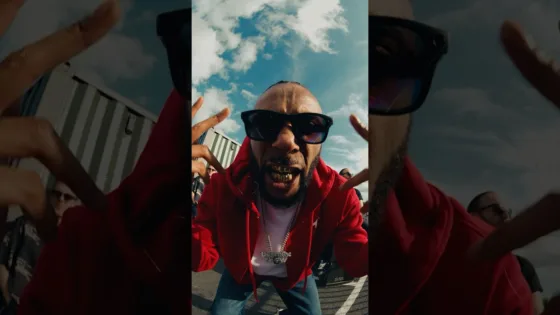
Interactive, multi perspective experiences.
Reduced friction from discovery to attendance.
Agentic AI layer
You do not adapt to the event. The event adapts to you, continuously and intelligently.
Universal access control
Every Pryntd experience includes a universal access point that lets you shape the environment around your needs in real time.
Use voice to request support, adjustments, guidance, or information.
Quickly adjust visual, auditory, cognitive, and navigation support.
Describe what you need in plain language and let the system respond.
No setup. No friction. The experience evolves as you use it.
Physical and digital bridge
In Physical Spaces
In Digital and Hybrid Spaces
Experience philosophy
Pryntd augments how people experience events through multi sensory interaction across sight, sound, and space, layered physical and digital perception, and real time environmental adaptation.
A unified system where presence is no longer limited by location, ability, or format.
Trust and inclusion
Support is part of the operating layer, not an afterthought.
Physical, hybrid, virtual, and digital participation stay connected.
Experiences respond to individual needs as they emerge.
Unified value
Pryntd makes events easier to access, easier to navigate, and more engaging by turning them into intelligent, adaptive systems.
Experience events without barriers
Use voice, touch, or text to adjust this page in real time.
Sign in once and keep your access, activity and intelligence connected across Pryntd.

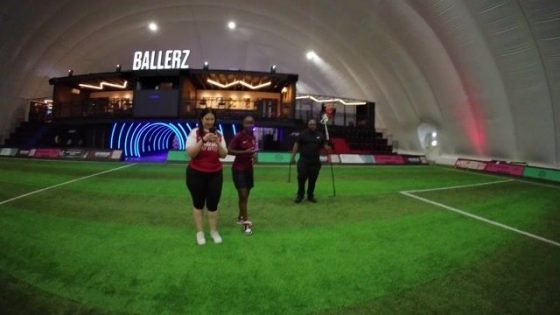
Virtual Tour
Search your Connect connections or invite by email.
Collaboration activity will appear here as people join and work on this tour.
Request access to collaborate on this Virtual Tour.
People collaborating on this Virtual Tour
Choose what helps. You do not need to declare a disability.
These preferences describe how you want the experience to work. Pryntd does not require a diagnosis.
Readiness is guidance for the current surface, not a legal certification.
Minimise to a single A at any time. Blue means accessibility adaptations are active; white means no adaptations are currently selected. Accessibility remains available even when the launcher is hidden. Restore it from Pryntd’s + menu, any Accessibility control, or Alt + A.