
Design your world
Build a branded experience with flexible layouts, production templates and visual storytelling.
Design immersive, inclusive and connected experiences that bring people, places and possibilities together. From your first idea to a live audience.
Start with the designer. Connect the specialist experiences you already own.
Shape the identity, production and audience journey in Connected Experience Designer. Connect specialised tools when you need them, without moving their content or rebuilding what already works.
Build a branded experience with flexible layouts, production templates and visual storytelling.
Bring together Wayfinder, Human360, virtual tours, challenges, schedules and live experiences.
Give audiences one connected journey while specialist creators retain their own media and content.
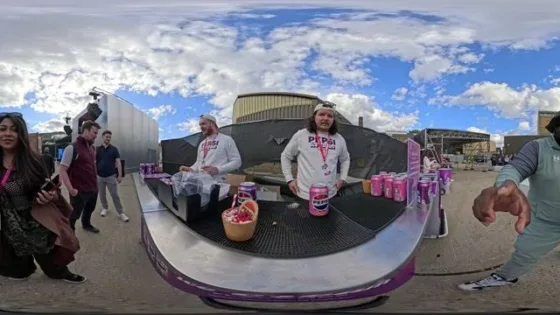
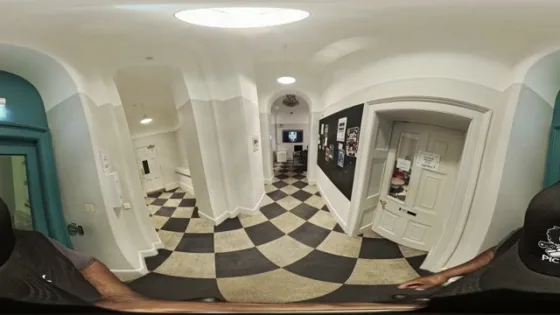
Discover the connected experiences you can bring together, from immersive spaces and live moments to audience participation.
CPD is where everything comes together. Design the complete visitor journey, bring schedules, spaces, activities and specialist experiences into one coherent presentation, and give your audience a single place to explore it all.
Instant media, galleries and connected guest moments
Navigation and meaningful spatial journeys
Immersive places and connected scenes
Live broadcasts and audience participation
Interactive activities and rewards
Explore and interact with 3D experiences
Bring remote and in-person participants together
Bring every session into one journey
Specialist experiences remain independently managed and connect through CPD. Explore the Connected Experiences hub ↗
Begin creating, then explore premium plans for expanded capabilities, commercial options and advanced connected experiences. Your existing designs stay yours.
Unlock Connected Experience Design without leaving this page.

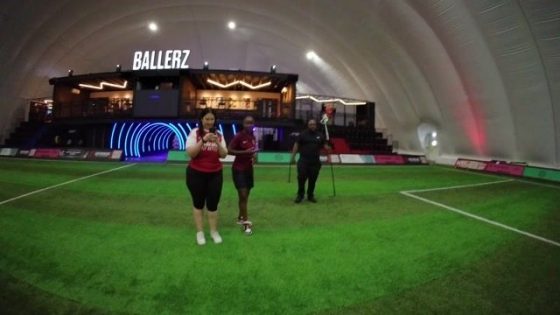
Virtual Tour
Search your Connect connections or invite by email.
Collaboration activity will appear here as people join and work on this tour.
Request access to collaborate on this Virtual Tour.
People collaborating on this Virtual Tour
Choose what helps. You do not need to declare a disability.
These preferences describe how you want the experience to work. Pryntd does not require a diagnosis.
Readiness is guidance for the current surface, not a legal certification.
Minimise to a single A at any time. Blue means accessibility adaptations are active; white means no adaptations are currently selected. Accessibility remains available even when the launcher is hidden. Restore it from Pryntd’s + menu, any Accessibility control, or Alt + A.