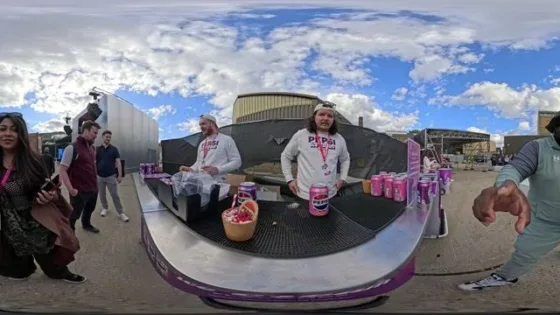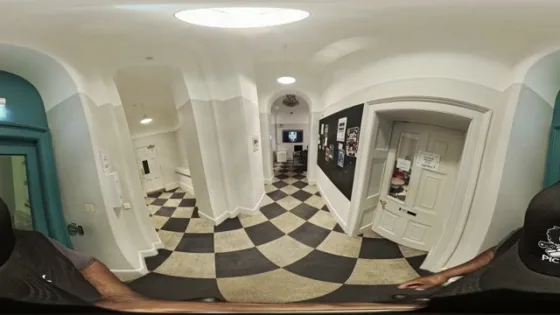

Immersive Shared Reality
creative-ctrl-341-mp4
The active scene, time, spatial view and optional viewing window travel with your share.
Sign in once and keep your access, activity and intelligence connected across Pryntd.

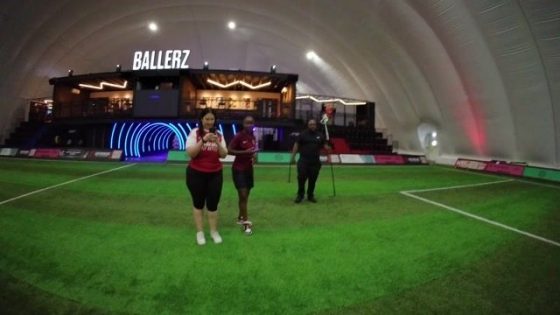
Virtual Tour
Search your Connect connections or invite by email.
Collaboration activity will appear here as people join and work on this tour.
Request access to collaborate on this Virtual Tour.
People collaborating on this Virtual Tour
Choose what helps. You do not need to declare a disability.
These preferences describe how you want the experience to work. Pryntd does not require a diagnosis.
Readiness is guidance for the current surface, not a legal certification.
Minimise to a single A at any time. Blue means accessibility adaptations are active; white means no adaptations are currently selected. Accessibility remains available even when the launcher is hidden. Restore it from Pryntd’s + menu, any Accessibility control, or Alt + A.